Verizon Wireless: How to Get Disney+, Hulu, & Apple Music for 45% Off
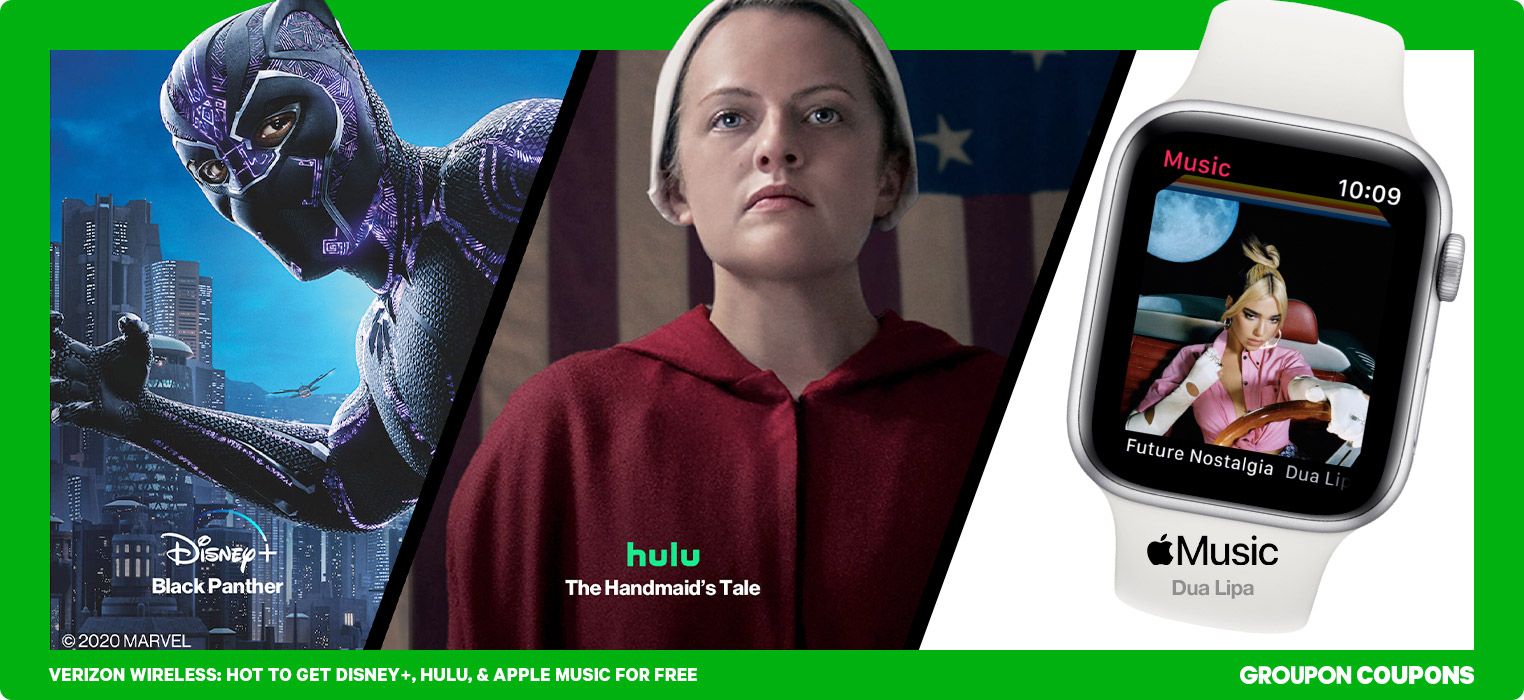
Verizon’s newer myPlan setup is all about flexibility—and big savings on entertainment. With streaming perks you can add or remove anytime, Verizon advertises up to 45% off top streaming services compared to buying them separately.
If you’re shopping Verizon plans (or already have one), this guide breaks down the streaming perks that matter most—and how to stack extra savings with Groupon Coupons, including our latest Verizon coupon codes.
- Go to streaming perks at a glance
- Go to Disney Bundle perk
- Go to Netflix & Max perk
- Go to Apple perks
- Go to how to add perks
- Go to quick tips to avoid double charges
Verizon myPlan streaming perks at a glance
Instead of bundling subscriptions “free” inside certain legacy Unlimited plans, Verizon now lets you add streaming perks to eligible myPlan Unlimited lines. These are the most popular streaming options you’ll see.
Verizon describes these as discounted streaming bundles (often advertised as up to 45% off vs. retail pricing when bought separately). Availability and terms can change, so confirm pricing and eligibility in your account before you check out.
Disney Bundle perk on Verizon myPlan
 Verizon Disney+, Hulu, ESPN+ (with ads) perk
Verizon’s Disney Bundle perk is straightforward: add it to an eligible myPlan Unlimited line for $10/month, and you get Disney+ + Hulu + ESPN+ (with ads).
- Eligibility: Requires a line on an eligible myPlan Unlimited option (Verizon lists Unlimited Welcome, Unlimited Plus, and Unlimited Ultimate as qualifying for this perk).
- Age requirement: Must be 18+.
- Existing subscribers: Verizon notes the perk won’t automatically replace existing Disney+/Hulu/ESPN+ subscriptions. You may need to manage or cancel an existing subscription to avoid paying twice.
- Cancel anytime: Perks can generally be removed when you no longer want them.
Related Verizon info: Disney+ on Verizon
Netflix & Max perk on Verizon myPlan
If your watchlist lives on Netflix and Max, Verizon also offers a combined perk: Netflix & Max (with ads) for $10/month. You’ll access content from each service separately after you enroll.
- What it includes: Netflix (with ads) + Max (with ads).
- Existing subscriptions: Verizon notes enrolling may affect current Netflix/Max subscriptions—so it’s smart to check your billing setup during activation.
- Best for: Anyone who wants both services and prefers one predictable add-on price inside their Verizon account.
Apple streaming perks on Verizon myPlan

Verizon also offers Apple-focused perks that can be a smart move if your household already uses Apple services. The big two:
- Apple Music Family: $10/month (Verizon lists a $6.99/month savings).
- Apple One: $15/month (Verizon lists a $4.95/month savings) and includes Apple Music, Apple TV+, Apple Arcade, and iCloud storage as part of the bundle.
If you’re deciding between the two, a simple rule: go Apple Music Family if you only care about music, and go Apple One if you’ll actually use TV+ and the extra services (that’s where the value shows up).
If you already have an Apple Music subscription, be sure to sign up for the promotion with the same email address on the existing subscription—you’ll be directed to cancel your duplicate Apple Music subscription. All of your saved content and settings will still be linked to your Apple ID—you won’t lose anything! All those personalized playlists are safe.
How to add (or remove) streaming perks on Verizon
Adding a perk is usually done inside your Verizon account management (app or desktop). Verizon’s menus can change, but the flow typically looks like this:
- Sign in to My Verizon (app or web).
- Look for a section like Perks, Services & perks, or Add-ons.
- Select the perk you want (Disney Bundle, Netflix & Max, Apple Music Family, or Apple One), then follow the prompts to link or activate your account(s).
- To cancel, return to the same Perks area and remove the perk from your line.
Quick tips to avoid double charges
- Don’t assume it replaces your current plan: If you already pay for Disney+, Hulu, ESPN+, Netflix, Max, or Apple services directly, you may need to manage or cancel your existing subscription so you don’t end up with two active bills.
- Use one email consistently: When linking accounts, use the same email you used for your existing subscription whenever possible.
- Re-check what “with ads” means: The Disney Bundle perk and Netflix & Max perk are generally the ad-supported tiers.
Want to cut your wireless bill even more? Start here: Verizon promo codes on Groupon.

Related Deals